

-
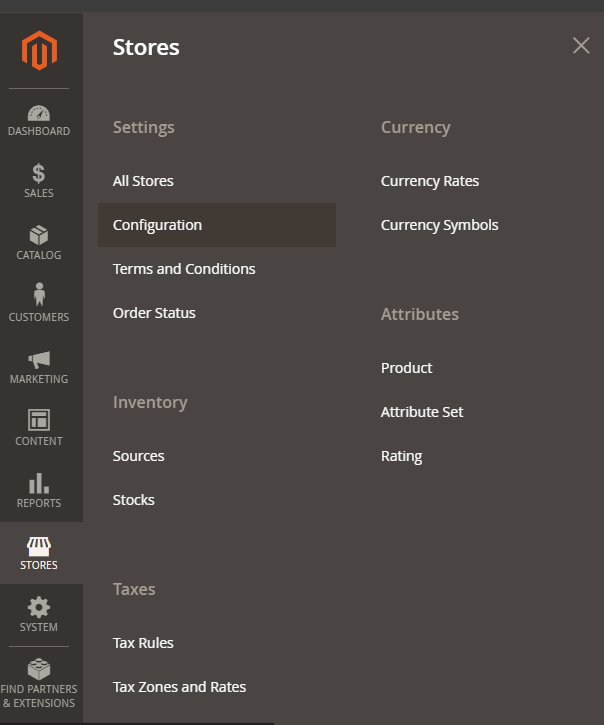
From the Magento dashboard navigate to Stores > Configuration.
The configuration page opens.
-
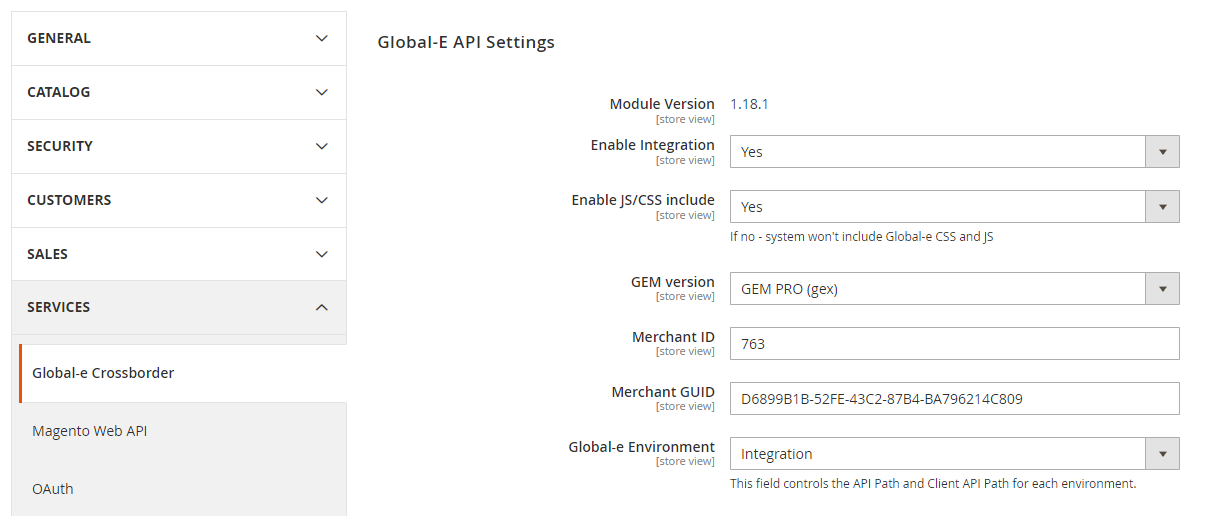
Scroll down the page to Services and select Global-e Crossborder.
-
Scroll down the page to Checkout/Order > Split Cart Discount to Item level.
Make sure the setting is set to Yes.

- At the top-right click Save Config if any changes are made.
Magento2.x Lite
Split Cart Discount to Item Level
Before getting started you want to ensure that the Split Cart Discount to Item Level is set to enabled.
This ensures that the discount is split up per item instead of being applied to the entire cart.
To enable the Split Cart Discount to Item Level: