

- Go to the Global-e Merchant Support Portal to access the portal.
-
Click Sign up.
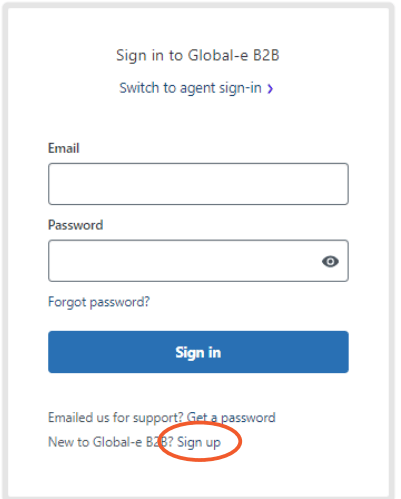
- Fill in your name and email address.
- Click Sign up. The password screen opens.
- Choose a secure password for your account and click Set password.
- Go back to the Global-e Merchant Support portal to sign in.
-
Go to the Global-e Merchant Support Portal to access the portal.
The Global-e B2B log-in sign-in screen opens.
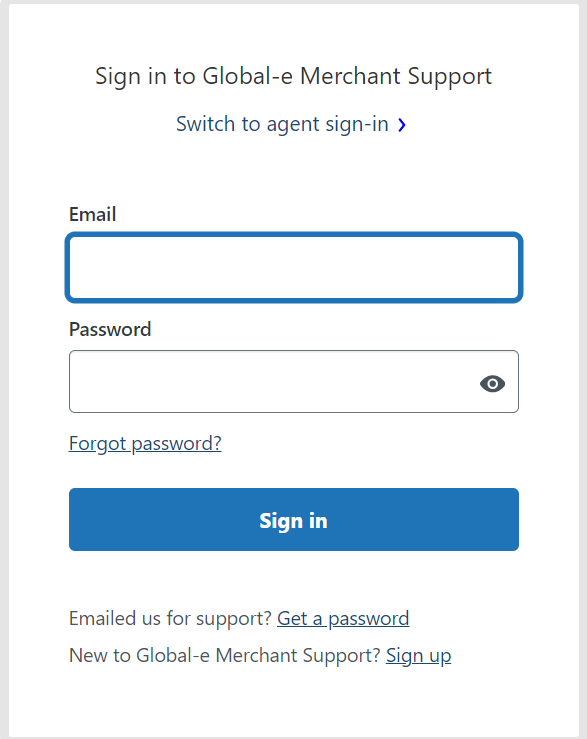
- Enter your email and password.
- Click Sign in.