> ## Documentation Index
> Fetch the complete documentation index at: https://nce-docs.bglobale.com/llms.txt
> Use this file to discover all available pages before exploring further.
# Step 2: Print the order’s documents
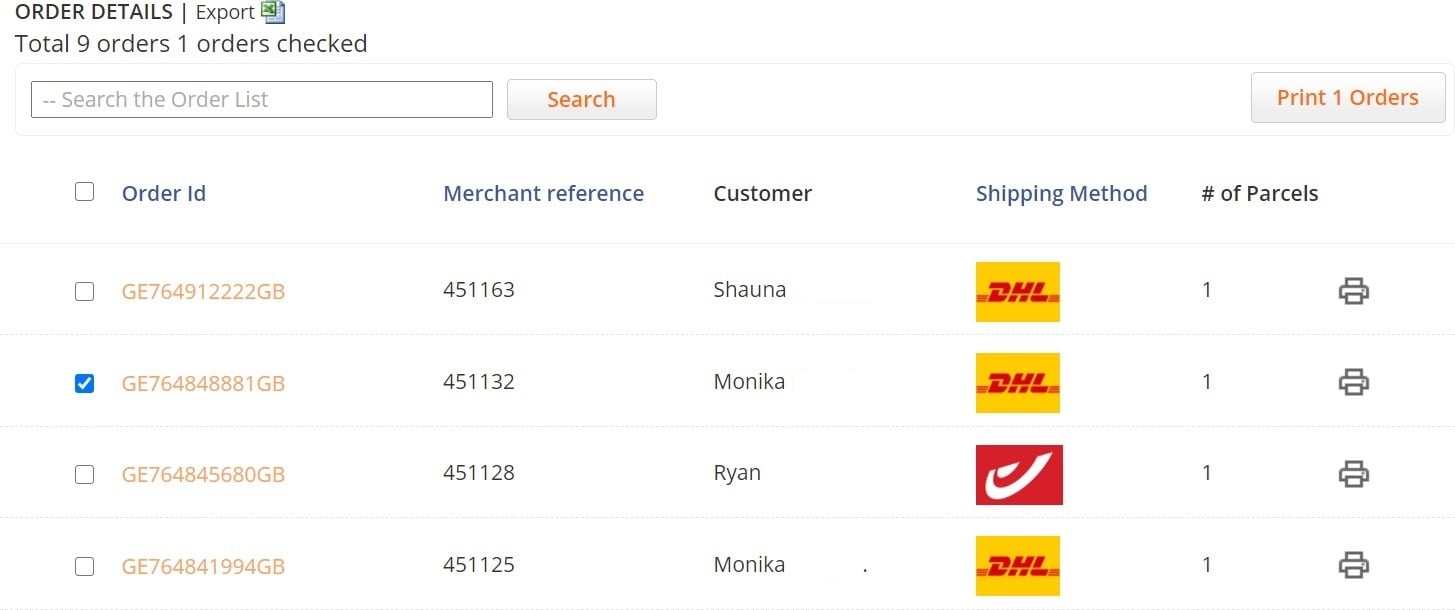
* In bulk mode – select the relevant orders (1) and click the Print Orders button (2)
* In individual order mode – click the Printer icon (3) on the relevant order line
 **Note the difference between fulfilling DHL orders vs. non-DHL orders, as detailed in the following sections.**