> ## Documentation Index
> Fetch the complete documentation index at: https://nce-docs.bglobale.com/llms.txt
> Use this file to discover all available pages before exploring further.
# Installing Global-e’s New Returns Solution
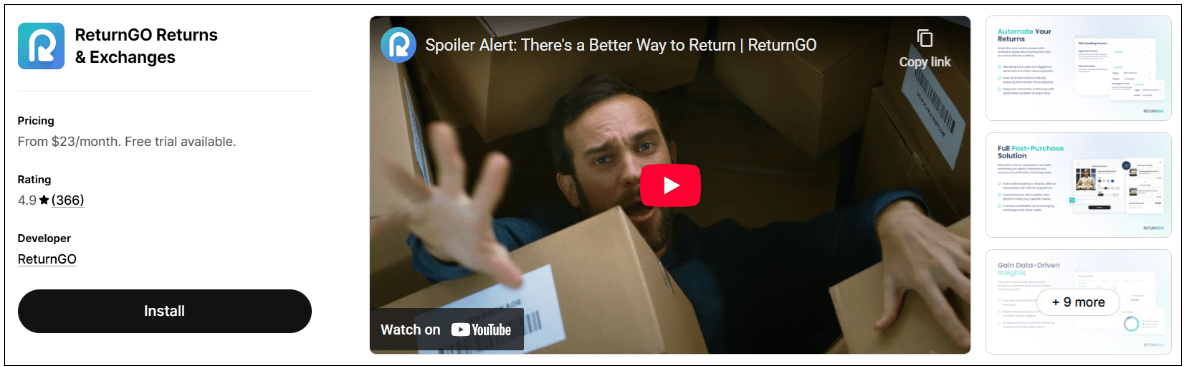
1. Find the ReturnGO app at the **Shopify App Store**.
2. Click **Install**.
 3. **Accept** the data permissions confirmation from Shopify.
4. Once installed, the ReturnGO app is displayed in **Shopify Admin > Apps** under the *Installed Apps* section.
**Note:** Installing the ReturnGO app preserves all your existing Global-e functionalities and does not affect platform behavior.
The new Returns solution goes into effect only on the date of your planned upgrade.
3. **Accept** the data permissions confirmation from Shopify.
4. Once installed, the ReturnGO app is displayed in **Shopify Admin > Apps** under the *Installed Apps* section.
**Note:** Installing the ReturnGO app preserves all your existing Global-e functionalities and does not affect platform behavior.
The new Returns solution goes into effect only on the date of your planned upgrade.